
Choose photos for a duo video
Help two photos express your creative intent.
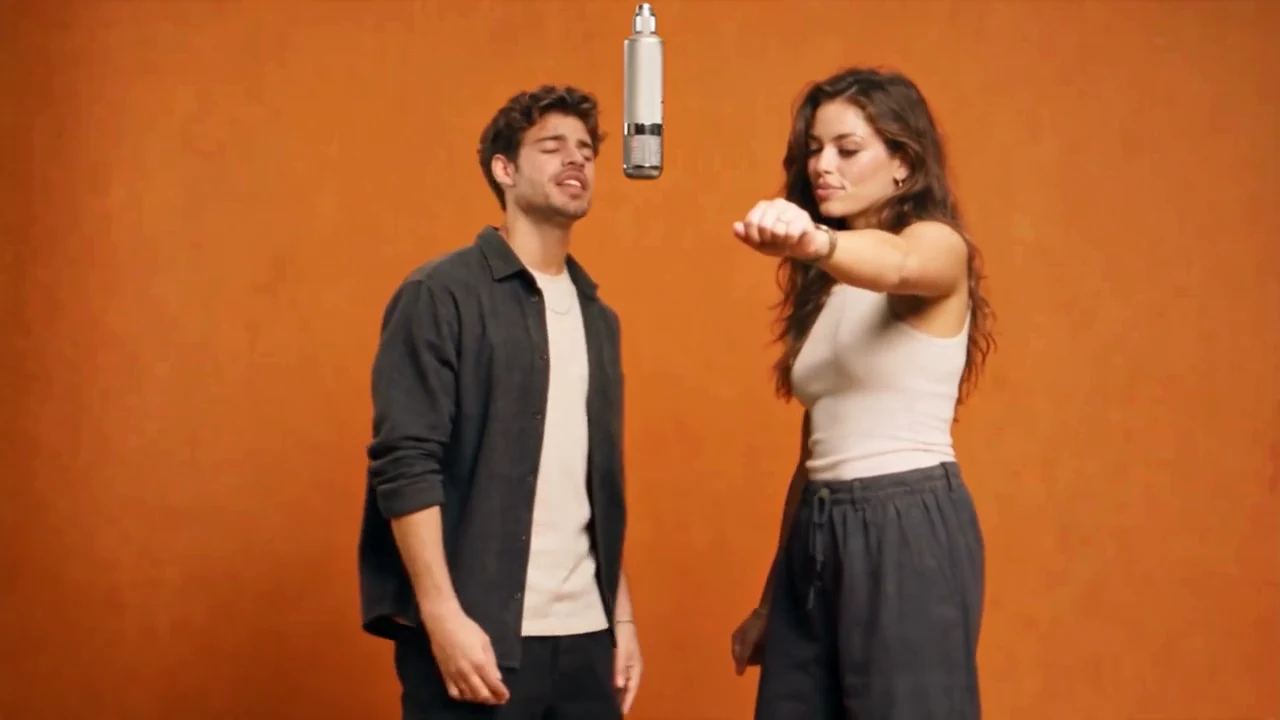
One subject per photo
The left and right photos correspond to two different subjects. Group photos make the intended subject ambiguous. Use separate photos with clear faces. Pets can also be subjects; try to keep eyes, ears and fur colors visible.
Lighting and framing
Choose evenly lit photos without heavy filters. Shadows, motion blur and obscured faces remove useful reference information. Use original images rather than repeatedly compressed screenshots.
Portraits versus full-body photos
Portraits mainly provide a facial reference. Full-body photos also describe hair, clothing and posture. Decide which appearance details you want to retain before choosing an image.
Permission matters
Confirm your right to use the photos and the subjects’ permission before adding them. Avoid private images, unauthorized portraits and misleading uses.
Try the template
The demo accepts JPG, PNG and WebP up to 8 MB per photo. Images stay in browser memory. Open the generator, add two images and use the swap button to adjust their positions.